Safer Prompts.

🎨 MLX Studio: The Power-User’s Playground for Mac AI

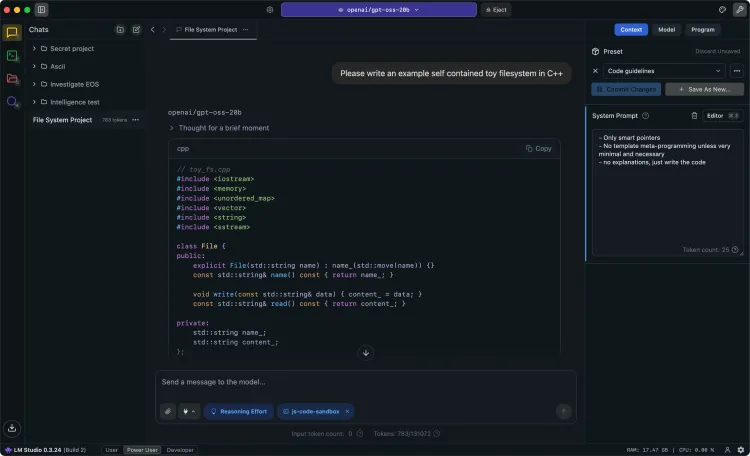
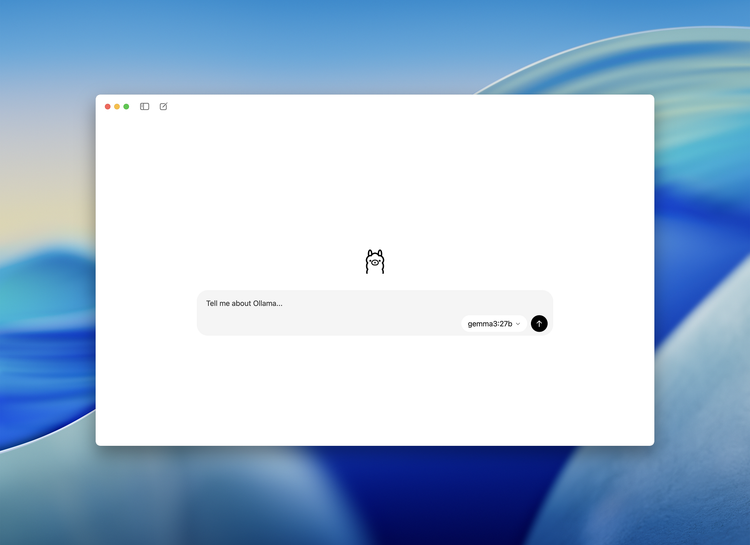
If you've been reading our recent deep dives into on-device AI bots, you’ve probably noticed a recurring problem: where do you actually run this stuff? Most of us start with Ollama or LM Studio. They are great, they are polished, and they "just work." But

🤏 JANG: The "Cheat Code" for Running Massive Models on Mac

Let's talk about the most frustrating part of local AI: The Quantization Wall. You’ve probably seen models labeled as "4-bit," "8-bit," or "FP16." For the non-nerds, quantization is just a way of compressing a model so it fits in your RAM.

🍎 Apple Silicon Power Users: Have You Met oMLX?

If you’ve ever used a local LLM for coding or analyzing long documents on a Mac, you know the pain of the Prefill Wait. You paste a huge chunk of code, ask one question, and wait... and wait... only for the AI to answer. Then you ask a follow-up,

đź”’ Lumo Review: Can You Trust a Cloud AI?

If you’ve been following this blog, you know we usually preach the gospel of Local AI. Our general rule is: If it leaves your house, it’s not truly private. But let's be real—not everyone has a NASA supercomputer under their desk to run massive models

💸 ChatGPT is getting ads: You’re no longer the user, you’re the product.

We’ve spent a lot of time talking about how big-tech bots harvest your data. But usually, that harvesting happens in the background—a silent vacuum cleaner sucking up your prompts to train future models. OpenAI just decided to make it official. They are testing ads in ChatGPT. 🚩 For years,

Safer Prompts. © 2026